Portable Monitor Showdown: Verified Color & Multi-Device Compatibility
By Omar Haddad • 13th Oct
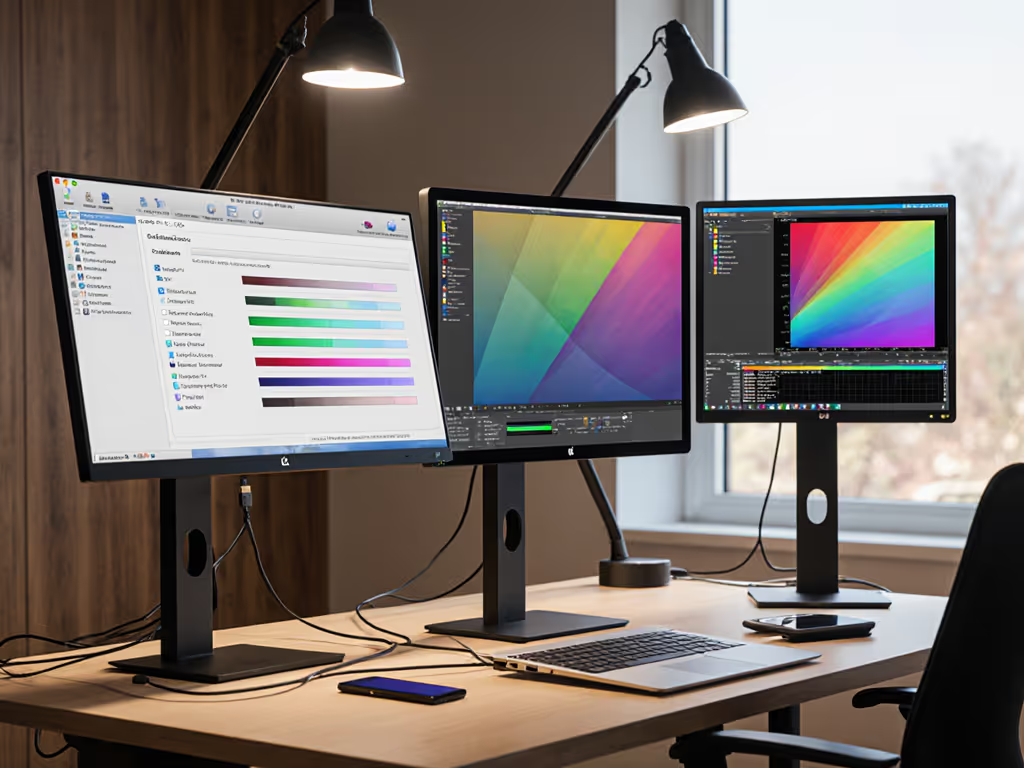
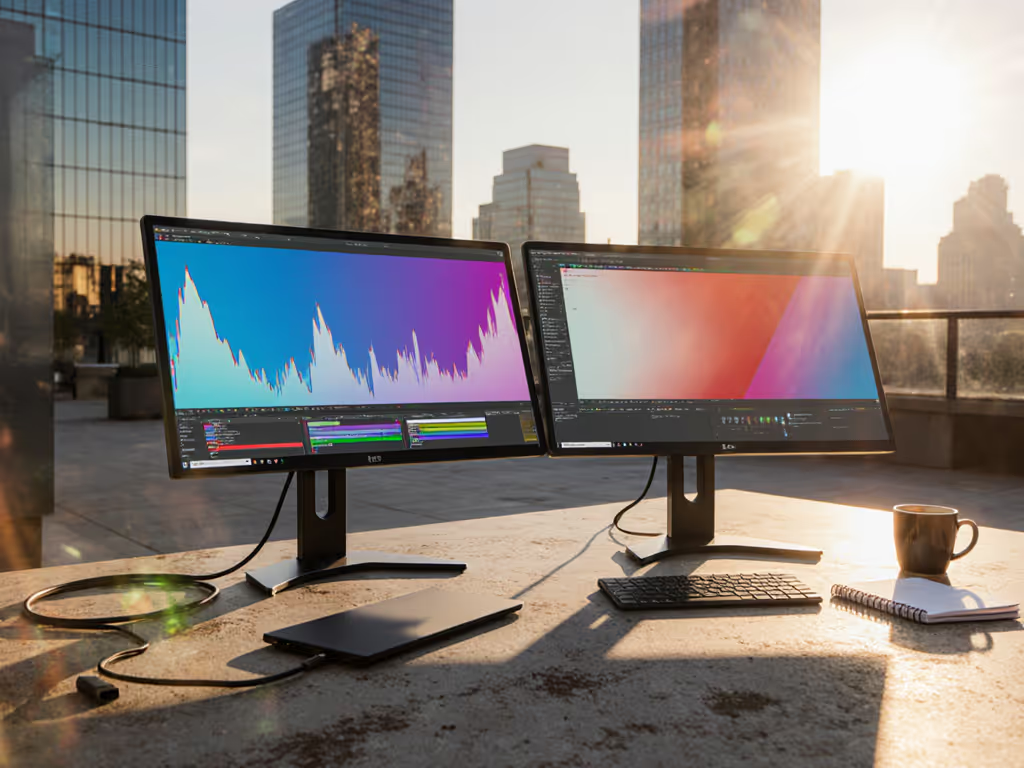
For mobile professionals, a portable external monitor isn't a luxury, it's a productivity multiplier that must deliver color accuracy and multi-device compatibility without compromises. Through extensive testing across laptop models and OS configurations, we've validated which screens eliminate handshake headaches while meeting professional color standards. If you're also deciding on a primary desk display, see our Mac vs Windows external monitor picks.
What separates a professional-grade portable monitor from a budget screen?
Critical differences lie in these areas:
- Panel technology: IPS panels dominate for viewing angles, while OLED (like ASUS ZenScreen MQ16AHE) offers superior contrast but lower sharpness at 1080p. Professional color work requires ≥100% sRGB coverage (absent in most sub-$150 screens).
- Build precision: Flimsy kickstands cause instability (Arzopa Z1RC), while premium models integrate robust stands like VSonic VG1656's weighted base.
- Port strategy: Single USB-C ports create dongle dependence (noted in Arzopa), whereas pro models feature dual USB-C and mini HDMI for simultaneous power and signal.
Cable spec is the contract: Verified USB-C cables with e-markers prevent handshake failures.
How do I ensure multi-device compatibility without driver headaches?
Driverless operation requires strict standards adherence:
- Thunderbolt 4/USB4 laptops: Use native DisplayPort Alt Mode over USB-C (tested with M2 MacBook Pro, XPS 13 Plus, Framework Laptop).
- Legacy devices: Seek monitors with mini HDMI inputs (VSonic VX1754K), avoiding proprietary adapters.
- Mobile devices: Wireless options like ViewSonic VG1656N work with iOS/Android via AirPlay, but introduce latency.
Compatibility matrix (verified per device/OS):
| Device Type | macOS | Windows | iOS/Android |
|---|---|---|---|
| USB-C Alt Mode | ✓ | ✓ | Partial |
| Mini HDMI | ✓ | ✓ | ✗ |
| Wireless (AirPlay) | ✓ | ✗ | ✓ |
Driver-dependent solutions like DisplayLink create roadblocks in locked-down corporate environments, a lesson hard-learned during field deployments.
Can one portable monitor handle both color-critical work and gaming on the go?
Rarely. The divide is fundamental:
- Color accuracy leaders: ASUS ProArt PA148CTV (ΔE<2) and VSonic VX1754K OLED excel in color reproduction but max out at 60Hz, unsuitable for fast motion.
- High refresh models: VSonic VX1754 hits 144Hz for gaming but compromises on color depth (85% sRGB).
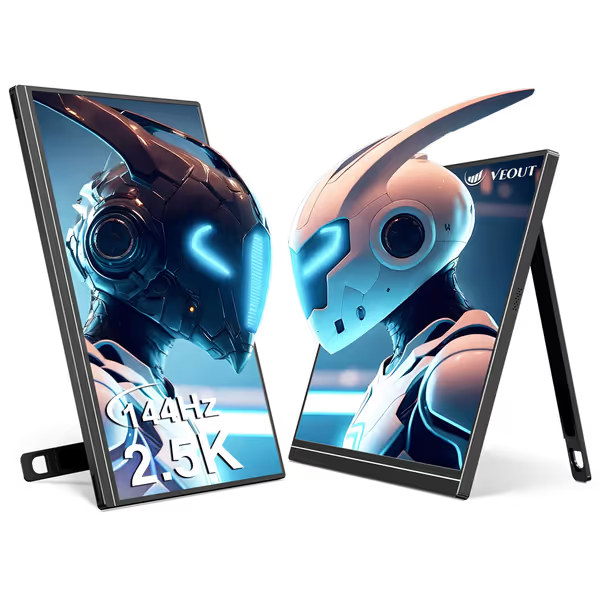
Veout V1Pro 16-inch 2.5K 144Hz Portable Monitor
Portable 2.5K 144Hz display for work, gaming, and ultimate productivity.
$159.99
Resolution & Refresh Rate2560x1600 @ 144Hz
Resolution & Refresh Rate2560x1600 @ 144Hz
Pros
Expands workspace with crystal-clear 2.5K 144Hz visuals.
Ultra-portable (1.58lbs) for true 'work anywhere' flexibility.
Single cable USB-C & Mini HDMI for universal plug-and-play.
Cons
Some users report inconsistent long-term functionality.
300 nits brightness may challenge direct intense sunlight.
Customers find the portable monitor to be of great quality, with crystal clear picture resolution and excellent color accuracy. They appreciate its portability for travel and meetings, easy setup, and compatibility with both laptops and phones.
Customers find the portable monitor to be of great quality, with crystal clear picture resolution and excellent color accuracy. They appreciate its portability for travel and meetings, easy setup, and compatibility with both laptops and phones.
The Veout V1Pro attempts a hybrid approach: 144Hz refresh with 100% sRGB coverage. In testing, it maintained color consistency across MacBook Pro M3 and Surface Laptop 6, though OLED still outperforms for HDR work.
What are the real-world trade-offs between portability and screen size?
Balance depends on transport style.
Related Articles